
This walkthrough covers a full first session of GTA Slot, from the moment the game loads to the moment you close it. The game by INOUT GAMES isn’t out yet, so treat it as preparation: it’s based on the game’s screens and menus, and we’ll update it with confirmed details after launch. If you haven’t seen the game yet, skim the game overview first so the screens below look familiar.
Step 1 — Set a budget before the game loads
Decide two numbers before you click anything: how much you’re prepared to lose in this session, and a win level at which you’ll stop. Write them down. GTA Slot is built around big, rare hits, so it’s easy to keep going “until the bonus lands”. A fixed budget is what keeps that fun.
GTA Slot is a game of chance. No setting, pattern or time of day changes the result of a spin. If it stops being fun, stop — our responsible gaming page lists free, confidential support.
Step 2 — Choose your volatility
The first screen asks you to choose volatility: High (Lucy, pink card) or Extra (Lason, green card).
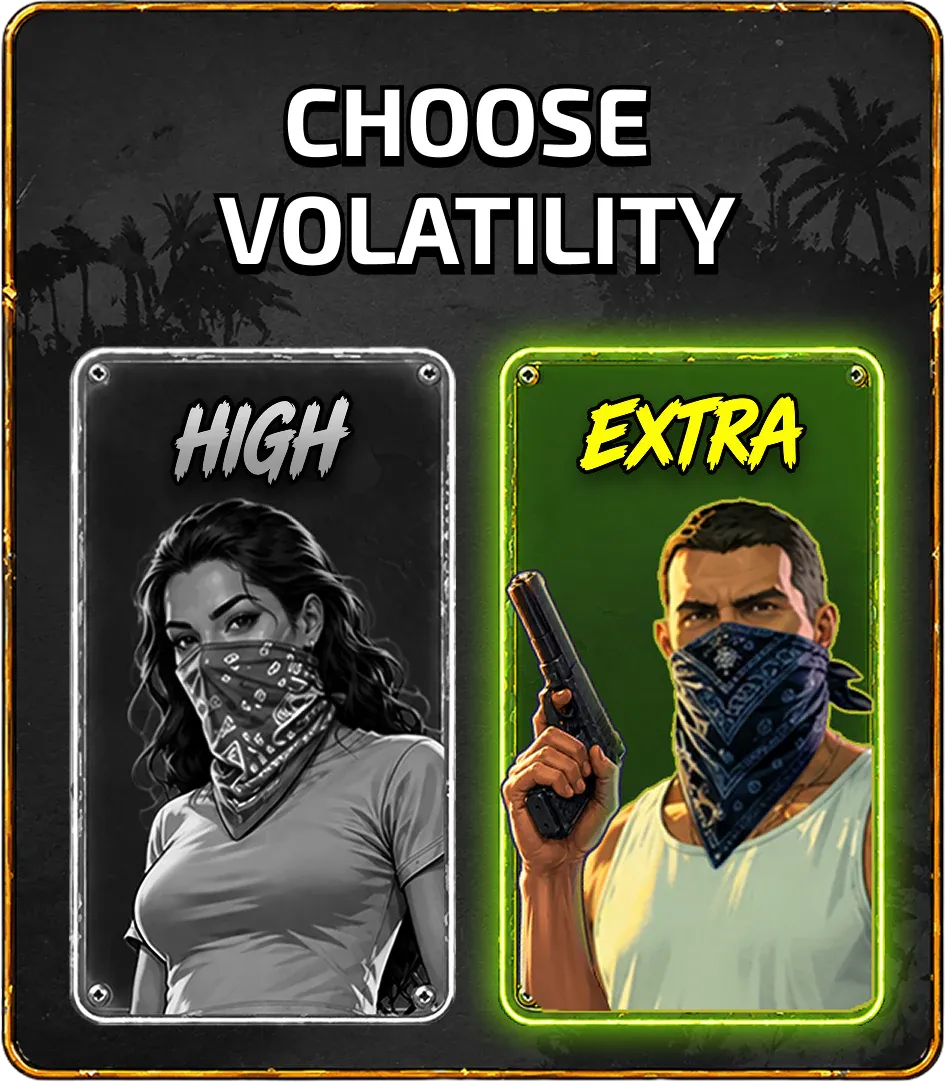
- Pick High for your first session. Wins are still lumpy, but you’ll see more action per hundred spins.
- Save Extra for when you understand the game. It concentrates more of the return into rarer, larger outcomes.
The High vs Extra guide explains the trade-off in detail.
Step 3 — Set your bet
Divide your session budget by 200. That’s a sensible starting bet for a high-volatility slot: it gives the game enough spins to show you its bonus. If that number is below the minimum bet, your budget is too small for this game today — that’s useful to know too.
Step 4 — Read the paytable once
Tap the i / info button. You’re looking for four things:
- RTP of this version.
- Maximum win.
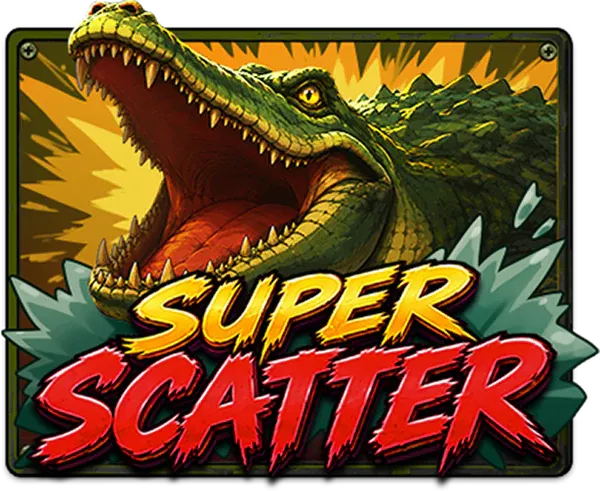
- How many scatters trigger the bonus, and what Super Scatters add.
- Bonus buy prices for Free Games, Hot Mode and Battle.
It takes two minutes and it’s the only place those numbers are authoritative.
Step 5 — Spin and learn the reels
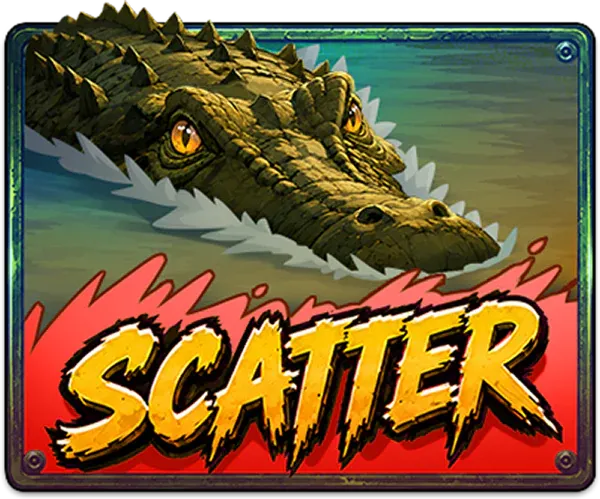
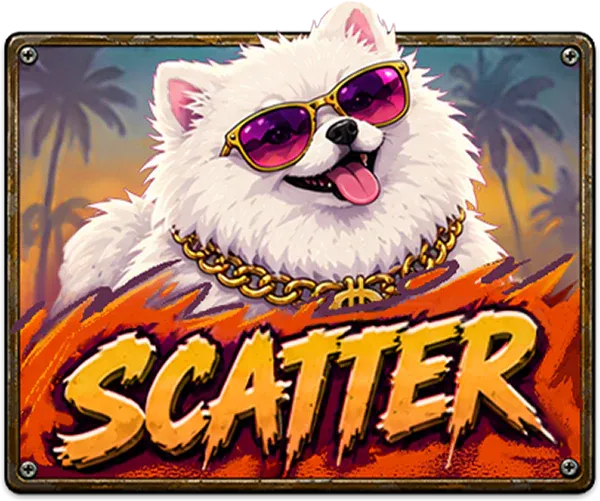
Watch for the special symbols — the gold Wild, the crocodile and dog scatters and their Super versions. In most slots, framed picture symbols (here: cars, bikes, weapons, characters) pay more than the A–10 card ranks — the paytable confirms it. Our symbols page shows every icon.


Step 6 — When the bonus lands
Triggering the bonus brings up a gold Congratulations screen showing your award — for example 10 Free Games, or 10 Hot Mode games on the police-themed variant. Bigger wins escalate through Big Win → Mega Win → Super Win, and a Total Win screen closes out the round. Our win screens explainer shows each one.
Step 7 — Decide about bonus buys (later)
The red BONUS button opens a menu where you can buy Free Games or Hot Mode, or activate Battle. Leave it alone on your first session. When you’re curious, read how GTA Slot bonus buys work and try them in demo mode first.
Step 8 — Stop at your number
Hit your loss limit or your win target? Close the game. Cash out wins you’re happy with rather than recycling them — on high-volatility slots, a good session can disappear in a few dozen spins.
Frequently asked questions
Is GTA Slot hard to play?
No — you choose a volatility, set a bet and spin. The depth is in the bonus menu and in managing a high-volatility bankroll, which is what this guide focuses on.
What bet should I start with?
Size your bet so your session budget covers at least 150–200 spins. On high-volatility games, smaller bets give the bonus more chances to land.
Can I change volatility mid-session?
Most games let you return to the volatility screen between spins; check the menu in your version. Switching doesn’t change your odds on any individual spin, only the profile you’re playing.