You tune in, a slot explodes into a huge win, and chat is moving too fast to ask what it is. Here’s a practical way to find the name.
1. Check the stream overlay and title
Some streams show the current game in an on-screen overlay, such as a “currently playing” box or a bonus-hunt list in a corner. The stream title and category tags sometimes include it too.
2. Use chat commands
Some channels run chat bots that answer commands like !slot, !game or !current. If the channel has one, typing it in chat is the quickest way to ask.
3. Look for the loading or info screen
When a streamer opens a new game, the loading screen usually shows the title and the provider’s logo. In a VOD, scrub back to the moment the game changed. The info (i) screen also names the game.
4. Search the visual details, not the vibe
Search engines work best with specifics: the scatter symbol, the name of a feature, the words on a bonus banner. “Slot with crocodile scatter and battle mode” beats “GTA-looking slot”.
Worked example: the GTA-looking slot
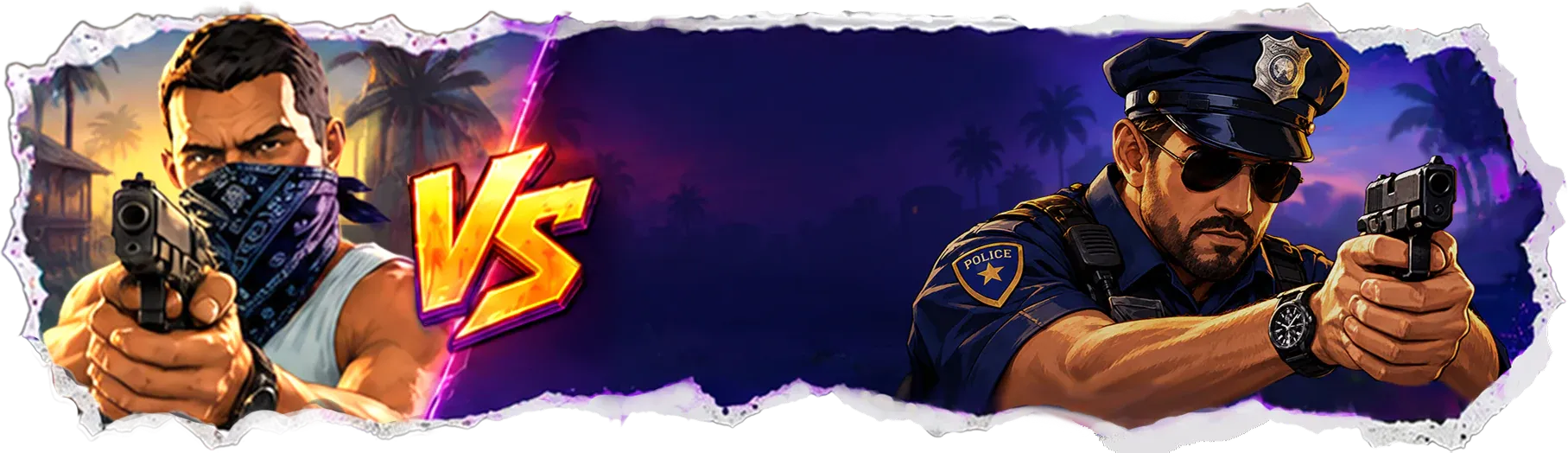
Say you saw a neon Miami crime slot with masked characters, a crocodile and a white dog. The method above narrows it down quickly — and for this particular game, our GTA Slot streamer guide lists every visual cue side by side: the scatters, the volatility screen, the characters and the symbols.
If they match, start with our GTA Slot overview. If you heard it called something else — like “Grand Hustle” — our Grand Hustle slot page explains how that name relates.
5. Ask after the stream
If the streamer has a Discord server or social channels, the game list may be posted there. Asking after the stream can work better than asking in a fast chat.
Frequently asked questions
Why don’t streamers say the name of the slot?
They may have mentioned it before you joined, or the name may be in an overlay you didn’t notice. The steps on this page help you find it.
What if the slot looks like GTA?
It may be the game this site covers as GTA Slot. Compare the visual cues on our streams hub with what you remember.